
DhanCheck_User_Guide

DhanCheck
Your Ultimate Smart Expense Manager & Personal Finance Assistant
Table of Contents
- 1. Introduction to DhanCheck
- 2. Getting Started & Permissions
- 3. Managing Accounts & Balances
- 4. Automated SMS Tracking & Manual Entry
- 5. Smart Automation & Categorization
- 6. Bill Management & Reminders
- 7. Goal Tracking & Milestones
- 8. Reports, Insights & Exports
- 9. Security, Privacy & Backups
- 10. Frequently Asked Questions (FAQ)
1. Introduction to DhanCheck
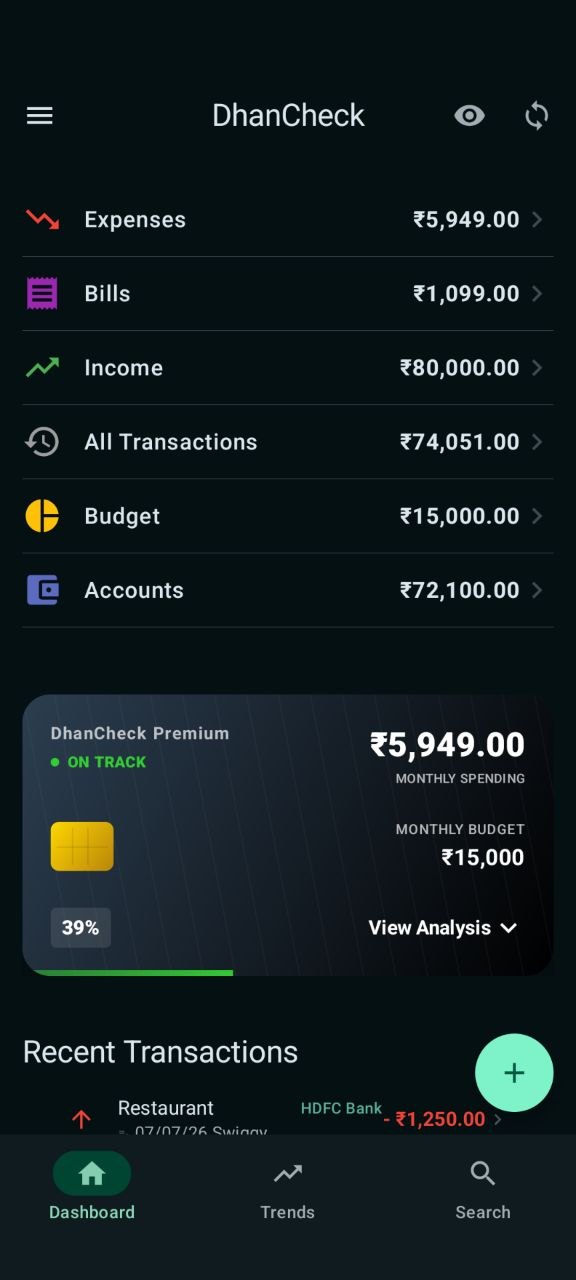
DhanCheck is a powerful, 100% offline personal finance manager designed to simplify how you track your money. By leveraging smart SMS parsing and AI-based predictions, it reduces the manual effort of logging every expense while keeping your sensitive financial data strictly on your device.
2. Getting Started & Permissions
Initial Setup
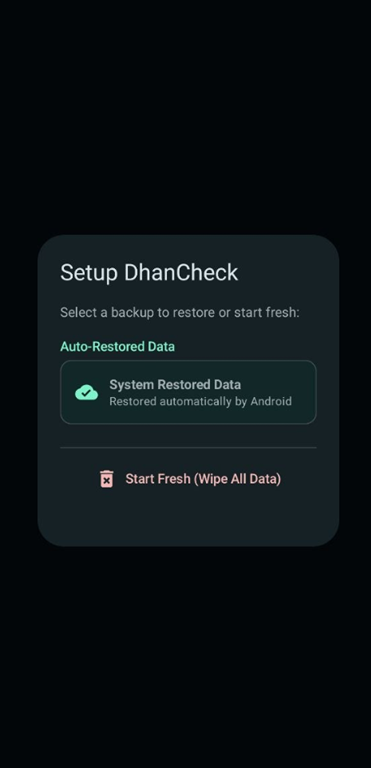
Upon the first launch, you have two options: Fresh Start or Restore from a previous backup file.
- SMS Permission: Essential for the app to detect transaction messages.
- Notification Permission: Required for budget alerts and bill reminders.
3. Managing Accounts & Balances
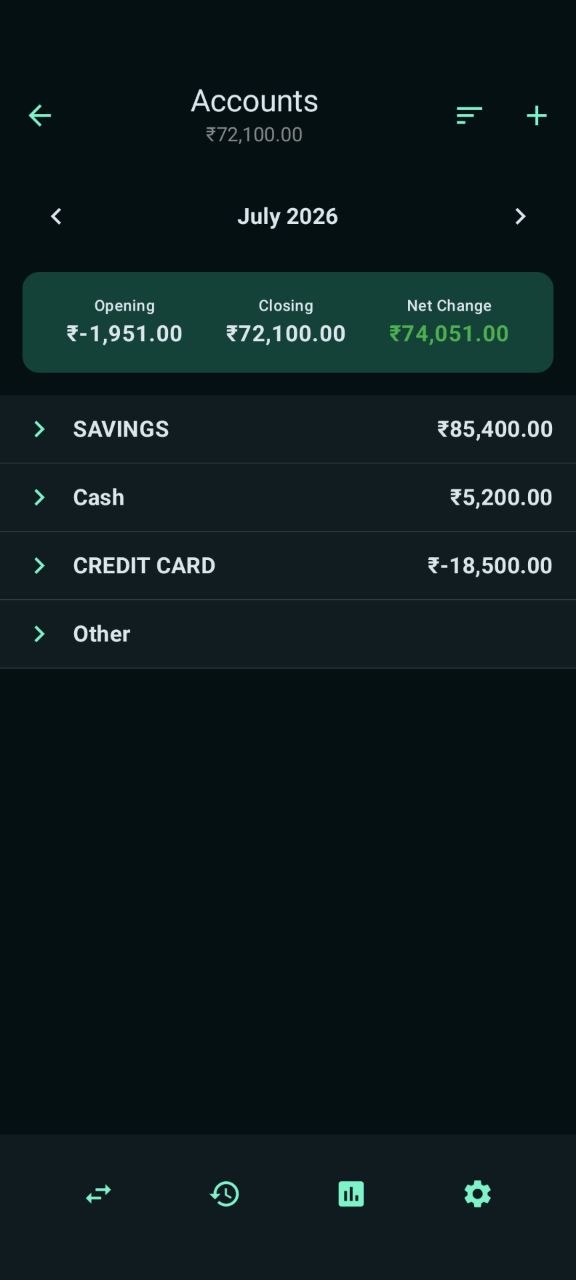
DhanCheck allows you to track multiple accounts like Bank, Cash, Wallets, and Credit Cards. Each month, the app calculates your opening and closing balances automatically.
4. Automated SMS Tracking & Manual Entry
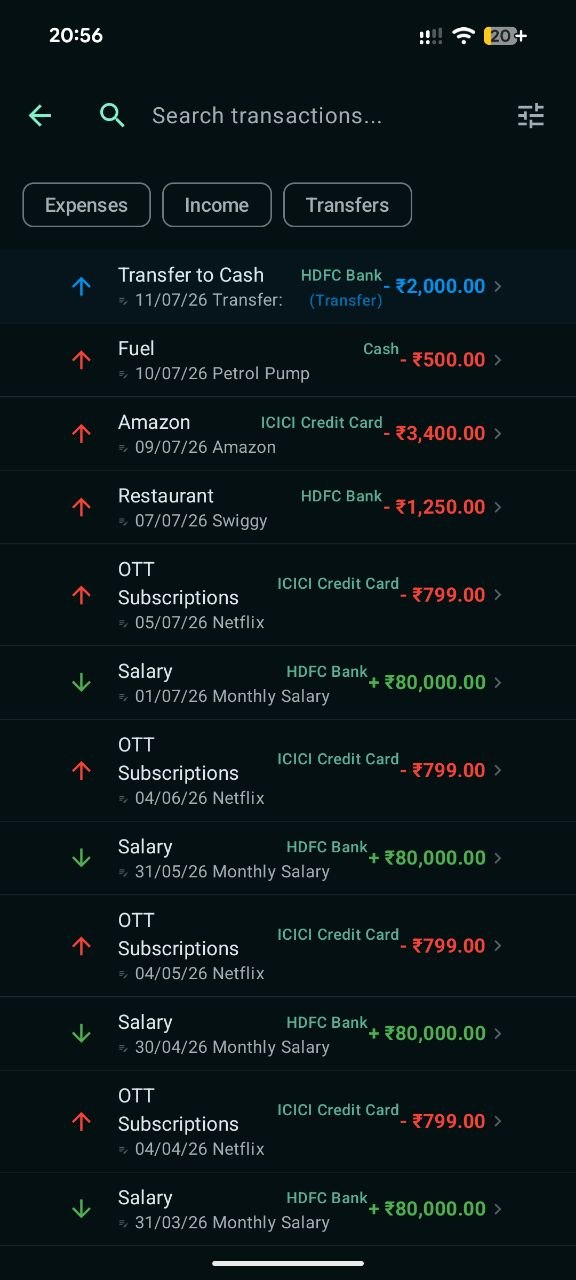
DhanCheck's SmsParser reads messages to extract Amount, Merchant, and Type automatically. For cash transactions, use the "+" button.
5. Smart Automation & Categorization
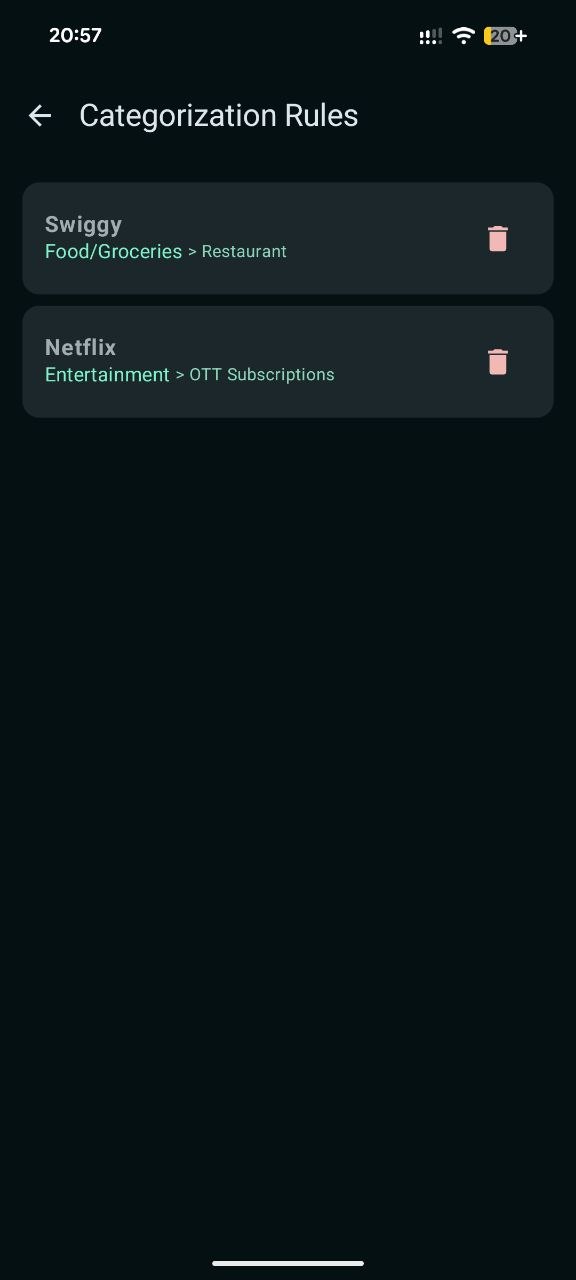
If the app categorizes a merchant incorrectly, edit the transaction. The app will ask to create a Categorization Rule so all future transactions from that merchant are categorized correctly.
6. Bill Management & Reminders
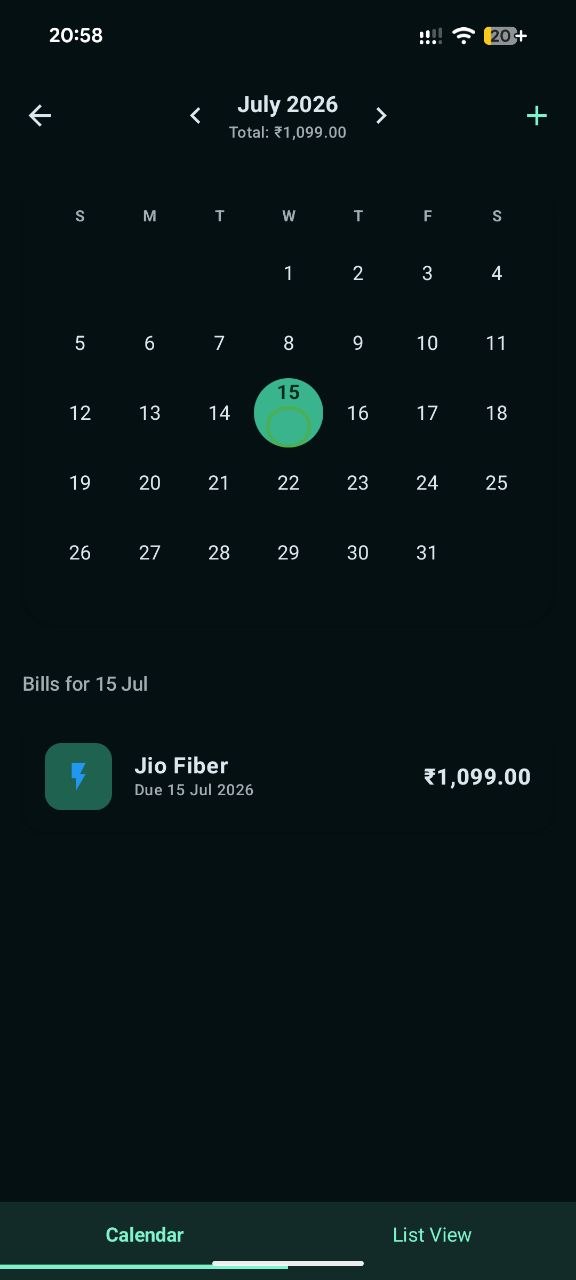
Track your utility bills, EMIs, and Credit Card dues. Link the payment transaction to the bill entry to mark it as settled.
7. Goal Tracking & Milestones
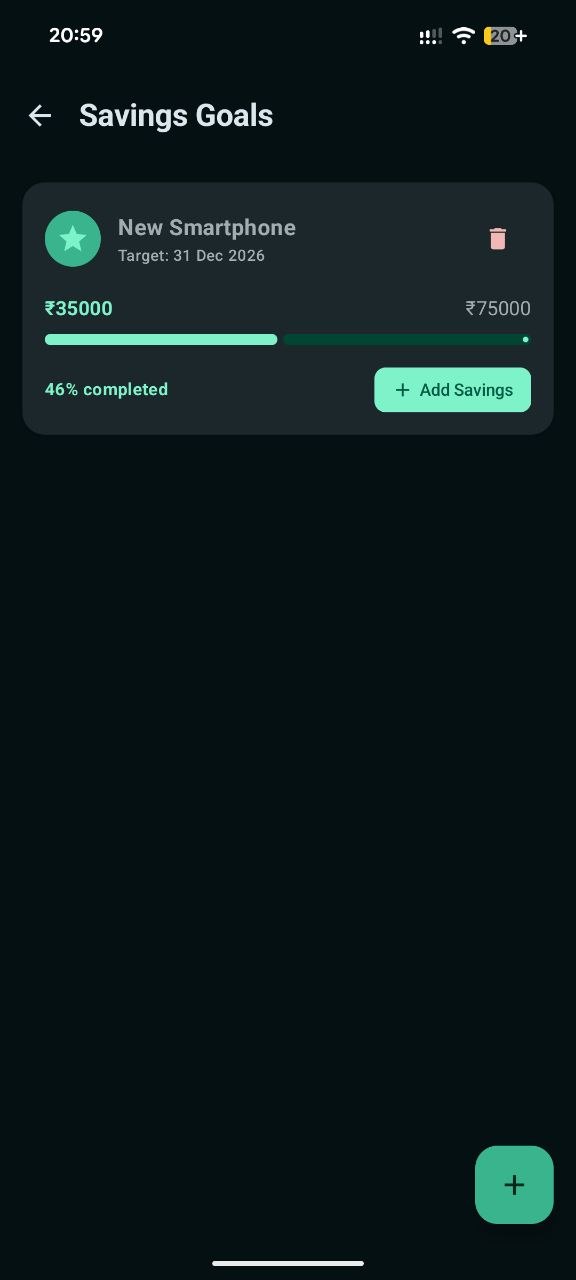
Set a target amount for your goals. Receive celebratory notifications when you reach 50%, 75%, and 100% progress.
8. Reports, Insights & Exports
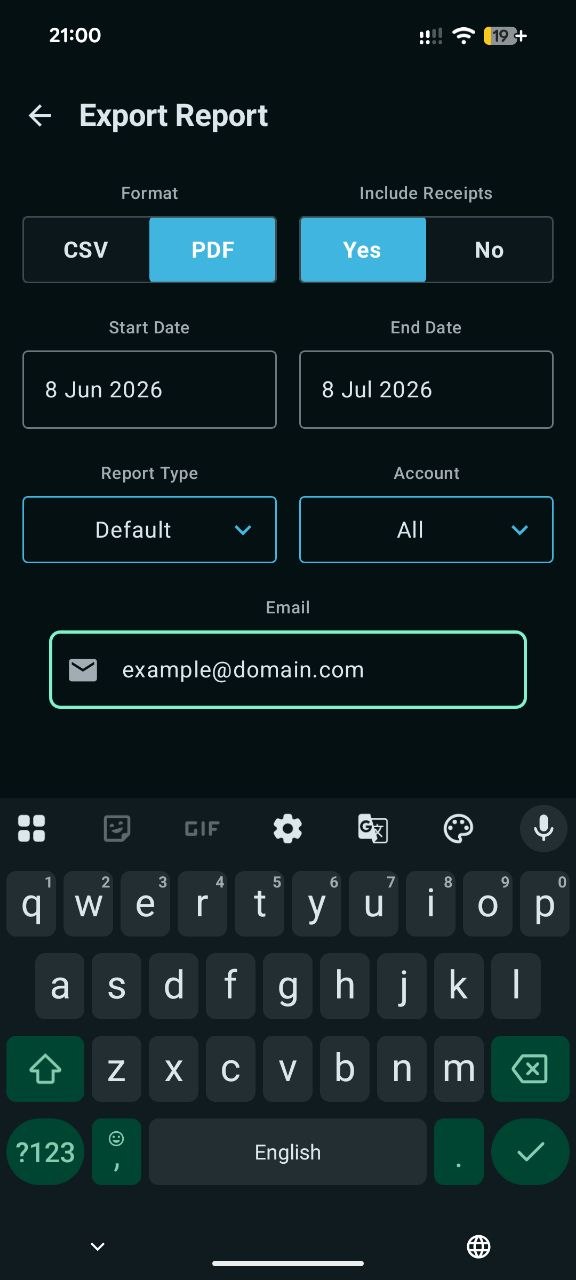
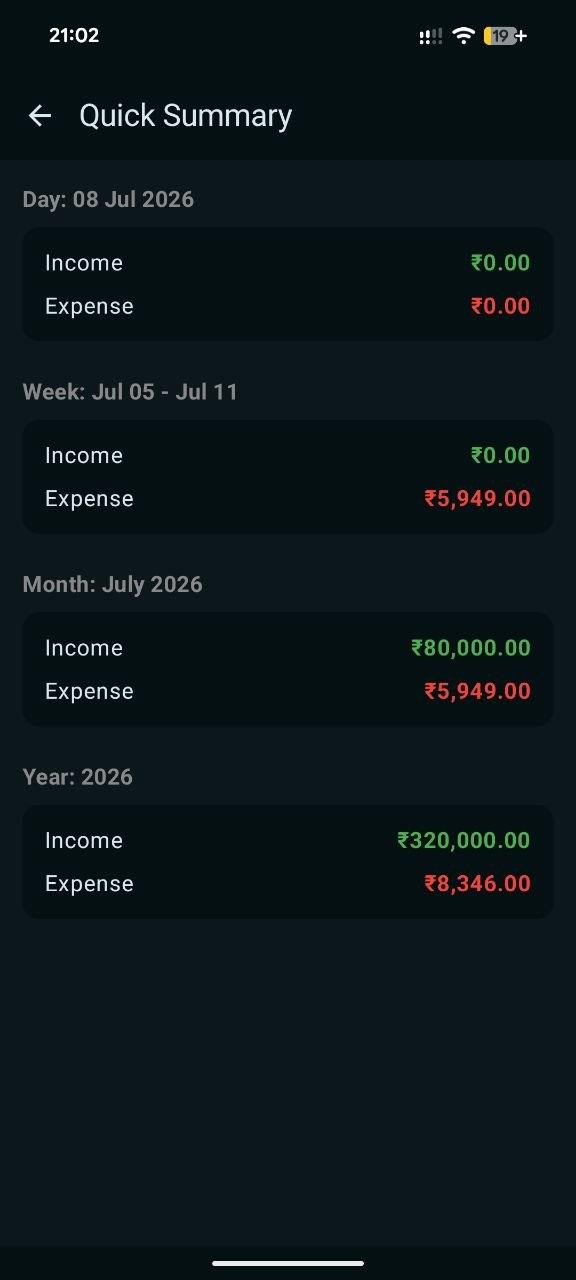
View pie charts for category-wise spending and bar charts for monthly trends. Generate professional PDF Reports or CSV files easily.
9. Security, Privacy & Backups
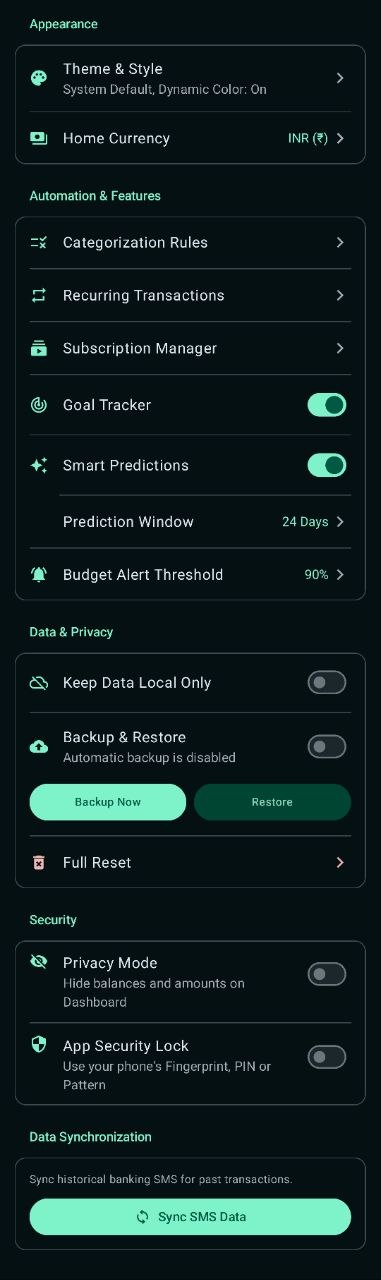
Enable App Lock (Fingerprint/PIN) and Privacy Mode. Always take manual backups from settings to keep your data safe.
10. Frequently Asked Questions (FAQ)
Q: Why are some bank SMS not being detected?
A: Ensure SMS permission is granted. If missed, you can "Sync All History" in settings or add the transaction manually.
Q: Does DhanCheck share my data?
A: No. DhanCheck is 100% offline and stores all data only on your device.